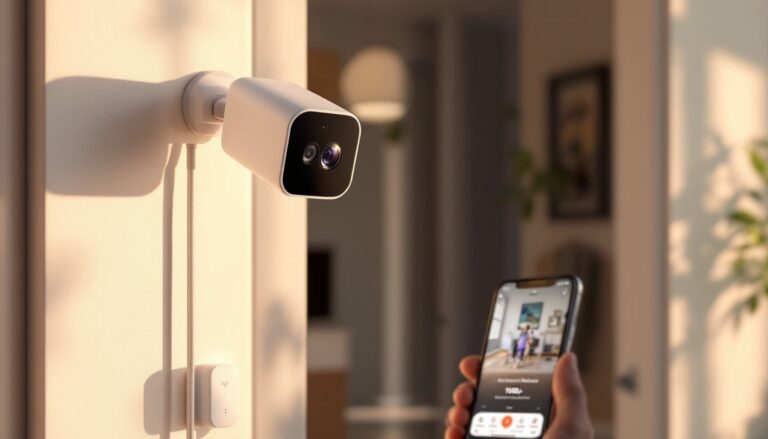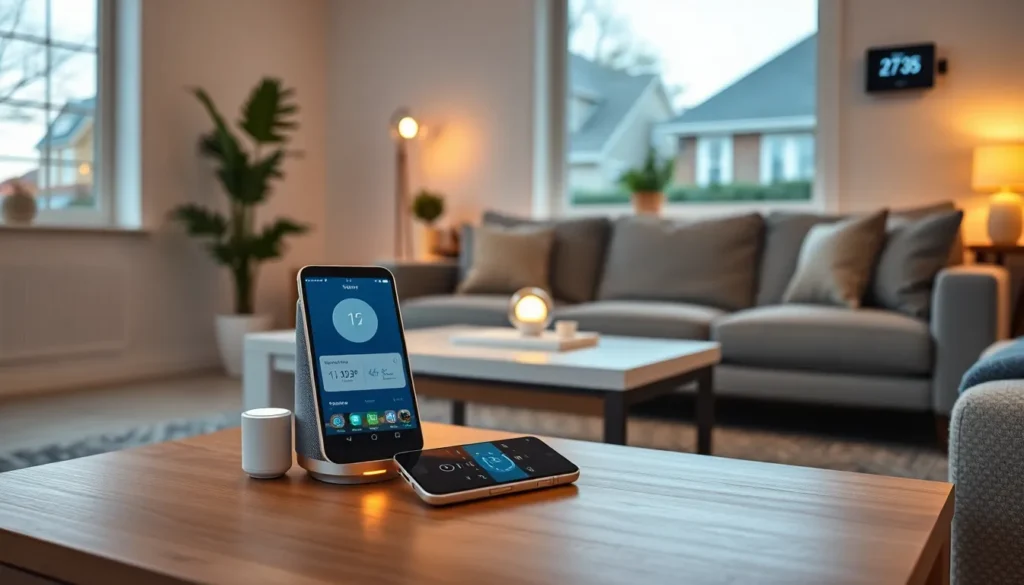
This smart home tech guide covers everything beginners need to know about connected devices in 2025. Smart home technology has moved from luxury to mainstream. Over 60% of U.S. households now own at least one smart device. Whether someone wants to control lights with their voice or monitor their home from a phone, smart tech makes daily life easier. This guide breaks down the essentials, from choosing the right devices to keeping systems secure.
Table of Contents
ToggleKey Takeaways
- Smart home tech automates daily tasks like lighting, climate control, and security, saving time and reducing energy costs by up to 15%.
- Start your smart home journey by choosing one ecosystem (Alexa, Google Home, or Apple HomeKit) and a smart speaker to serve as your central hub.
- The Matter protocol now enables most major devices to work together across brands, making smart home setup simpler than ever in 2025.
- Add devices gradually and create custom routines like “Good Morning” or “Goodnight” to maximize convenience and avoid compatibility issues.
- Protect your smart home tech with strong passwords, two-factor authentication, regular firmware updates, and a separate Wi-Fi network for connected devices.
What Is Smart Home Technology?
Smart home technology refers to devices that connect to the internet and can be controlled remotely. These devices communicate with each other through Wi-Fi, Bluetooth, Zigbee, or Z-Wave protocols. Users manage them through smartphone apps, voice commands, or automated schedules.
A smart home tech setup typically includes a central hub or controller. This hub acts as the brain of the system. It receives commands and sends instructions to individual devices. Some ecosystems, like Amazon Alexa or Google Home, use the smart speaker itself as the hub.
The core benefit of smart home tech is automation. Lights can turn on at sunset. Thermostats can adjust based on whether someone is home. Door locks can be controlled from anywhere. These automations save time, reduce energy costs, and add convenience to daily routines.
Smart home technology also offers integration. Devices from different manufacturers can work together within the same ecosystem. The Matter protocol, launched in 2022, has improved cross-brand compatibility significantly. In 2025, most major smart home devices support Matter, making setup simpler than ever.
Essential Smart Home Devices for Beginners
Starting a smart home tech collection doesn’t require a huge investment. A few key devices can transform how someone interacts with their living space.
Smart Speakers and Voice Assistants
Smart speakers serve as the control center for most smart homes. Amazon Echo, Google Nest, and Apple HomePod are the leading options. Each connects to its respective voice assistant, Alexa, Google Assistant, or Siri.
These speakers do more than play music. They answer questions, set timers, make calls, and control other smart devices through voice commands. Someone can say “turn off the living room lights” without touching a switch. The convenience is immediate.
When choosing a smart speaker, consider ecosystem compatibility. Alexa works with the widest range of third-party devices. Google Assistant excels at answering complex questions. Apple’s Siri integrates seamlessly with iPhones and other Apple products. Pick the one that matches existing devices and preferences.
Smart Lighting and Thermostats
Smart bulbs and switches offer an easy entry point into smart home tech. Philips Hue, LIFX, and Wyze all make affordable options. Users can dim lights, change colors, and set schedules through an app. Motion sensors can trigger lights automatically when someone enters a room.
Smart thermostats like the Nest Learning Thermostat or Ecobee save money on energy bills. These devices learn household patterns and adjust temperatures accordingly. They detect when no one is home and reduce heating or cooling. Studies show smart thermostats can cut energy costs by 10-15% annually.
Both lighting and thermostats integrate with voice assistants. This creates a seamless smart home tech experience where voice commands control multiple systems at once.
How to Set Up Your Smart Home Ecosystem
Setting up a smart home tech ecosystem requires some planning. A few steps ensure devices work together smoothly.
Step 1: Choose an ecosystem. Decide between Amazon Alexa, Google Home, or Apple HomeKit. This choice determines which devices will integrate best. Mixing ecosystems is possible but adds complexity.
Step 2: Start with a hub or smart speaker. The hub connects all devices and provides central control. Most beginners start with a smart speaker that doubles as a hub.
Step 3: Check Wi-Fi strength. Smart devices rely on stable internet connections. A weak signal causes delays and disconnections. Consider a mesh Wi-Fi system if the home has dead zones.
Step 4: Add devices gradually. Don’t buy everything at once. Start with one or two devices. Learn how they work before expanding. This approach prevents frustration and wasted money on incompatible products.
Step 5: Create automations. Once devices are connected, set up routines. A “Good Morning” routine might turn on lights, read the weather, and start the coffee maker. A “Goodnight” routine could lock doors, lower the thermostat, and turn off all lights.
The smart home tech setup process takes time. Patience during initial configuration pays off with a system that runs smoothly for years.
Tips for Keeping Your Smart Home Secure
Smart home tech introduces new security concerns. Connected devices can be entry points for hackers if not properly protected. These tips help keep systems safe.
Use strong, unique passwords. Every device and account needs a different password. Avoid simple combinations like “123456” or “password.” A password manager helps track multiple credentials.
Enable two-factor authentication. This adds an extra layer of security. Even if someone steals a password, they can’t access accounts without the second verification step.
Keep firmware updated. Manufacturers release updates to fix security vulnerabilities. Enable automatic updates when possible. Check manually for updates every few months.
Create a separate Wi-Fi network. Many routers allow guest networks. Put smart home devices on this secondary network. This isolates them from computers and phones that contain sensitive data.
Review device permissions. Smart home tech often requests access to location, microphone, and contacts. Grant only necessary permissions. Disable features that aren’t being used.
Buy from reputable brands. Cheap, unknown brands may lack proper security protocols. Stick with established manufacturers that have track records of addressing security issues.
Smart home security requires ongoing attention. Regular audits of connected devices and account settings catch potential problems before they become serious.