Smart home tech techniques transform ordinary houses into responsive, efficient living spaces. Homeowners today can control lighting, security, temperature, and entertainment systems from a single device. These connected solutions save time, reduce energy bills, and add convenience to daily routines.
The smart home market continues to grow rapidly. Industry reports show that over 60% of American households now own at least one smart device. This guide covers the essential smart home tech techniques that create seamless automation, strengthen security, and improve energy management. Whether someone is starting fresh or upgrading an existing setup, these strategies deliver practical results.
Table of Contents
ToggleKey Takeaways
- Smart home tech techniques work best when you choose one primary ecosystem (Alexa, Google Home, or Apple HomeKit) and build around it for seamless compatibility.
- Upgrade to a mesh Wi-Fi system with Wi-Fi 6 support to ensure stable connections across all your smart devices.
- Start small with high-impact devices like smart lighting and thermostats, then expand gradually to avoid confusion and wasted spending.
- Create routines and scenes to combine multiple actions into single voice commands, saving time on daily tasks.
- Enhance home security by integrating smart locks, video doorbells, and sensors that send real-time alerts to your phone.
- Smart thermostats and energy monitors can significantly reduce utility bills by optimizing usage based on your actual behavior patterns.
Setting Up a Solid Smart Home Foundation
Every successful smart home starts with the right foundation. Choosing compatible devices and a reliable network makes the difference between smooth operation and constant frustration.
Pick a Central Hub or Ecosystem
Smart home tech techniques work best within a unified ecosystem. The three major platforms, Amazon Alexa, Google Home, and Apple HomeKit, each offer distinct advantages. Amazon Alexa supports the widest range of third-party devices. Google Home excels at voice recognition and search integration. Apple HomeKit prioritizes privacy and works seamlessly with iPhones and iPads.
Homeowners should select one primary ecosystem and build around it. Mixing too many platforms creates compatibility headaches and limits automation options.
Upgrade the Wi-Fi Network
Smart devices rely heavily on stable internet connections. A basic router often struggles to handle dozens of connected gadgets. Mesh Wi-Fi systems distribute coverage evenly throughout a home, eliminating dead zones that cause devices to disconnect.
Consider routers that support Wi-Fi 6 or Wi-Fi 6E standards. These newer protocols handle multiple device connections more efficiently. They also reduce latency, which matters for real-time controls like video doorbells and security cameras.
Start Small and Expand Gradually
New users sometimes rush to automate everything at once. This approach leads to confusion and wasted money on devices that don’t fit actual needs. Smart home tech techniques prove most effective when applied incrementally.
Start with one or two high-impact areas. Smart lighting and thermostats deliver immediate benefits and teach the basics of app-based control. Once comfortable, homeowners can add more sophisticated devices like smart locks, sensors, and cameras.
Voice Control and Automation Techniques
Voice assistants turn smart homes into truly responsive environments. Instead of opening apps or pressing buttons, residents simply speak commands. Automation takes this further by triggering actions based on schedules, locations, or sensor readings.
Master Voice Commands
Effective voice control requires learning how each assistant interprets requests. Alexa, Google Assistant, and Siri use slightly different phrasing conventions. Users should experiment with natural language to find what works best.
Grouping devices by room improves voice control dramatically. Saying “turn off living room lights” proves faster than naming each bulb individually. Most smart home platforms allow custom room assignments through their companion apps.
Create Routines and Scenes
Routines combine multiple actions into single commands. A “good morning” routine might raise the thermostat, turn on kitchen lights, start the coffee maker, and read the day’s weather forecast. These smart home tech techniques save time and create consistent daily patterns.
Scenes work similarly but focus on specific moods or activities. A “movie night” scene could dim lights, close smart blinds, and power on the TV. Setting up these automations takes minutes but delivers convenience for years.
Use Motion Sensors and Triggers
Advanced automation responds to real-world conditions without any voice input. Motion sensors trigger lights when someone enters a room. Door sensors can pause music when someone leaves. Temperature sensors adjust HVAC settings based on actual readings rather than schedules.
Location-based triggers use smartphone GPS to detect arrivals and departures. The thermostat can start heating before anyone gets home. Outdoor lights can activate automatically at sunset.
Enhancing Security With Smart Devices
Security represents one of the strongest use cases for smart home tech techniques. Connected cameras, locks, and sensors provide monitoring capabilities that traditional systems cannot match.
Install Smart Locks and Video Doorbells
Smart locks eliminate the need for physical keys. Homeowners can grant temporary access codes to guests, contractors, or dog walkers. Activity logs show exactly when each code was used. Many models include auto-lock features that engage after a set time period.
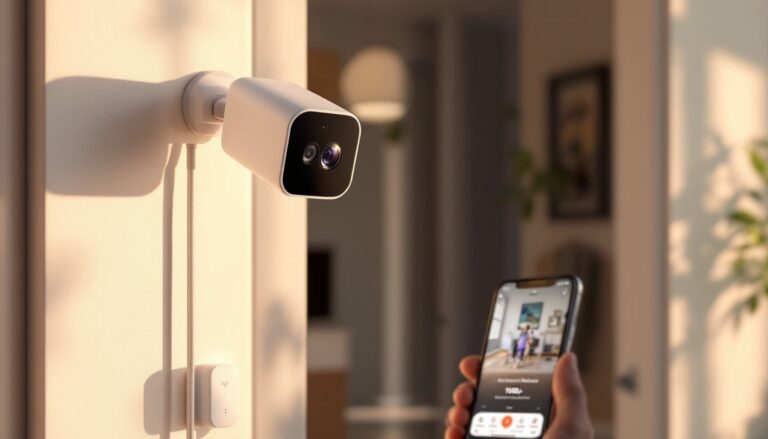
Video doorbells add visibility to front entries. They capture footage of package deliveries and alert homeowners to visitors in real time. Two-way audio allows communication without opening the door. These devices deter package thieves and help identify suspicious activity.
Position Cameras Strategically
Indoor and outdoor cameras serve different purposes. Exterior cameras should cover entry points, driveways, and side yards. Interior cameras monitor high-value areas and provide peace of mind when traveling.
Cloud storage subscriptions give access to recorded footage history. Local storage options exist for privacy-conscious users who prefer keeping video data at home. Either approach works, the key is reviewing footage regularly and testing camera angles after installation.
Connect Sensors Throughout the Home
Window and door sensors detect unauthorized entry attempts. Water leak sensors catch plumbing problems before they cause major damage. Smoke and carbon monoxide detectors with smart connectivity send phone alerts even when residents are away.
These sensors integrate with broader smart home tech techniques. A triggered window sensor can automatically turn on lights, lock doors, and send notifications. This layered approach provides comprehensive protection.
Energy Management and Efficiency Tips
Smart home tech techniques deliver measurable savings on utility bills. Intelligent devices optimize heating, cooling, and electricity usage based on actual behavior patterns rather than fixed schedules.
Program Smart Thermostats
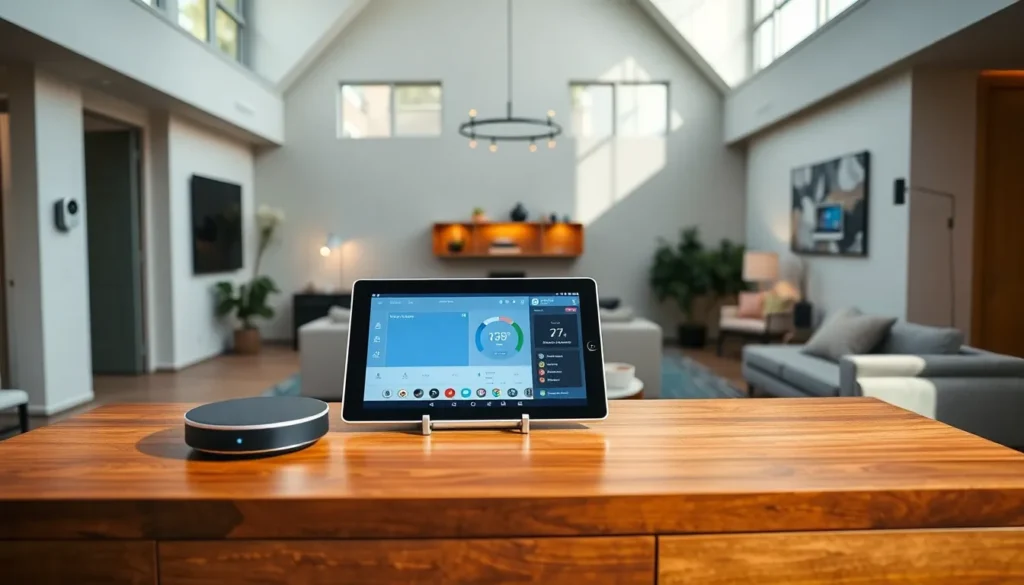
Smart thermostats learn household routines and adjust temperatures accordingly. They reduce heating and cooling when no one is home and restore comfort before residents return. Many models display energy usage reports that identify opportunities for further savings.
Geofencing features track smartphone locations to determine occupancy. This proves more accurate than simple time-based schedules. Some utilities offer rebates for smart thermostat installation, reducing upfront costs significantly.
Switch to Smart Lighting
LED smart bulbs use far less electricity than traditional incandescent options. Scheduling ensures lights turn off automatically in empty rooms. Dimming capabilities reduce energy consumption while maintaining adequate illumination.
Smart plugs extend these benefits to devices that lack built-in connectivity. They can cut power to electronics that draw standby current when not in use. Phone chargers, gaming consoles, and entertainment systems waste surprising amounts of electricity in standby mode.
Monitor Energy Usage in Real Time
Smart home energy monitors track whole-house consumption and identify which devices use the most power. This visibility helps homeowners make informed decisions about upgrades and usage habits.
Some smart home tech techniques combine energy monitoring with automated responses. High electricity prices during peak hours can trigger temporary thermostat adjustments. Solar panel owners can program devices to run when free energy production peaks.