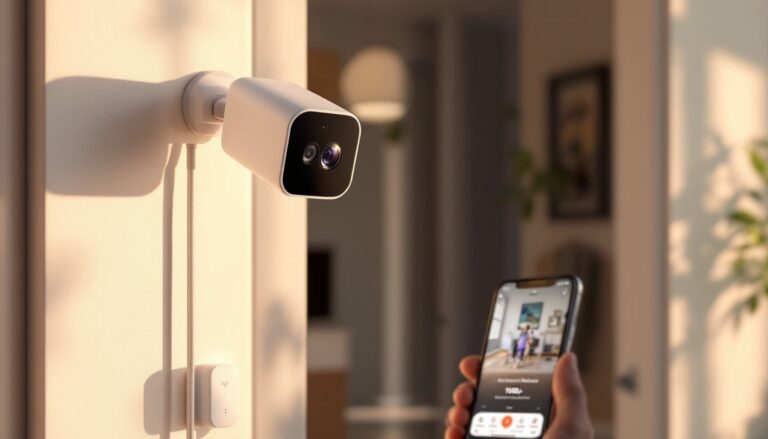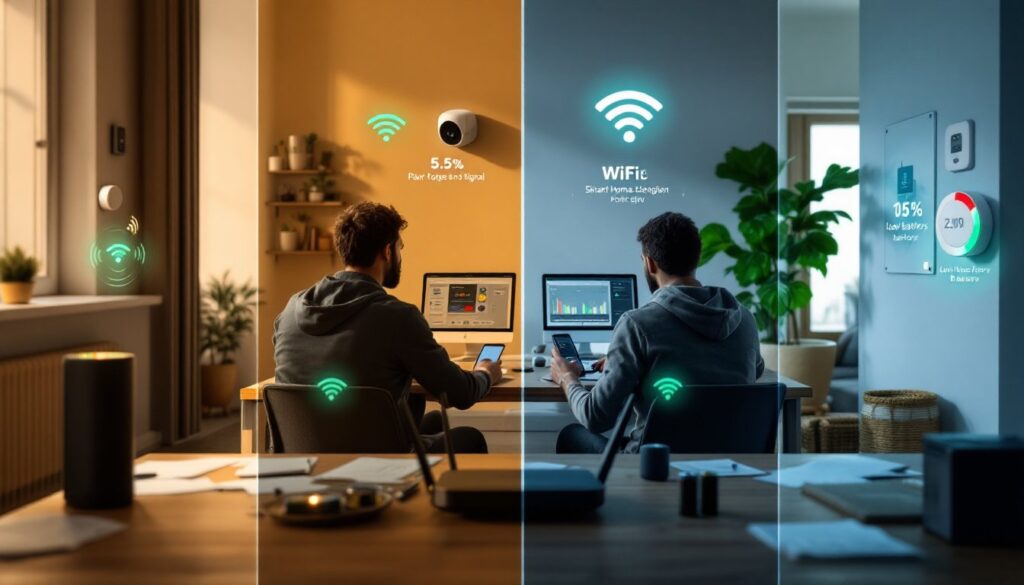
Smart home technology has become a standard part of modern living, but it’s not without friction. Your smart speaker stops responding, a wireless camera drops off the network, or automations trigger at the wrong time, these aren’t rare glitches, they’re routine challenges that homeowners face. The promise of a seamlessly connected home is real, but getting there means understanding what goes wrong and how to fix it. This guide walks through the most common smart home frequent issues you’ll encounter and provides practical solutions to get your connected devices back on track.
Table of Contents
ToggleKey Takeaways
- Smart home frequent issues like connectivity dropouts and unresponsive devices stem from network problems, which cause roughly 60% of smart home failures.
- Optimize WiFi coverage using a mesh network system, relocate your router to a central elevated location, and manually switch to less congested channels to eliminate dead zones.
- Verify device compatibility with your existing hub before purchasing—different protocols like Zigbee, Z-Wave, and WiFi require proper ecosystem alignment to avoid integration failures.
- Test individual device responses and automation logs before building complex routines to prevent cascading failures when one device disconnects.
- Protect battery-powered devices by replacing batteries before they fully drain, keeping spares on hand, and using a UPS for wired devices to maintain security during outages.
- Secure your smart home by using strong unique passwords, enabling two-factor authentication, updating firmware monthly, and isolating devices on a separate WiFi network.
Connectivity and Network Problems
Network issues are the root cause of roughly 60% of smart home failures. Your devices live on WiFi (or hardwired connections), and when that link falters, everything falls apart.
WiFi Signal Drops and Weak Connections
WiFi dead zones kill smart home setups faster than almost anything else. A camera on the far side of your house, a smart plug in the garage, or a door sensor in the basement may disconnect or respond sluggishly because the signal doesn’t reach reliably.
The fix starts with placement. Most home routers broadcast strongest from a central, elevated location, on a shelf or wall mount in the middle of your home, not in a closet or basement corner. If you can’t reposition your router, a WiFi extender or mesh system bridges dead zones by relaying the signal. Mesh networks (using multiple nodes) are more reliable than single-point extenders and create seamless roaming, meaning a device moving through your house won’t drop the connection.
Channel congestion also matters. Your WiFi operates on the 2.4 GHz or 5 GHz band, and neighbors’ networks compete for the same airspace. Open your router’s admin panel (usually accessed via your phone or laptop), check which channels are in use, and switch to a less crowded one. Most routers have an auto-optimize feature, but manual tuning often works better. 2.4 GHz reaches farther but is slower: 5 GHz is faster but doesn’t penetrate walls as easily. Use 2.4 GHz for distant devices, 5 GHz for bandwidth-hungry cameras nearby.
Band steering, a feature that automatically moves devices to the best available frequency, is worth enabling in your router settings. It reduces manual troubleshooting over time.
Device Compatibility and Integration Failures
Not all smart home devices play nicely together. You buy a popular smart bulb, but your home automation hub doesn’t recognize it, or it pairs inconsistently and keeps disconnecting.
This happens because smart home devices use different communication protocols, WiFi, Zigbee, Z-Wave, Bluetooth, and Matter being the main ones. WiFi devices talk directly to your router: Zigbee and Z-Wave operate on separate low-power networks that need a hub to bridge to your home WiFi. Bluetooth connects over short distances with minimal setup. Matter, a newer standard launched in 2022, was designed to unify these silos, but adoption is still ramping up in 2026.
Before buying a device, verify it’s compatible with your existing ecosystem. If you’re already invested in Zigbee devices and a SmartThings hub, adding a Z-Wave door lock won’t work without a Z-Wave hub. Cross-ecosystem integrations (getting Zigbee and Z-Wave to talk) require careful hub selection and sometimes workarounds through platforms like Home Assistant or cloud services.
Firm up weak connections by re-adding the device to your hub. Most devices have a pairing mode you access by holding a button or performing a sequence (consult the manual). Move the device closer to the hub during pairing to ensure a strong initial bond. Once paired, distance becomes less critical for Zigbee/Z-Wave, but the initial handshake must be solid.
Check for firmware updates regularly. Manufacturers push patches that improve compatibility, fix drop-offs, and unlock new features. Most hubs auto-update, but some require manual downloads from the maker’s website. Checking smart home tech vs traditional home systems can help clarify whether a full smart home overhaul or selective upgrades make sense for your situation.
Voice Assistant and Automation Glitches
Voice assistants (Alexa, Google Assistant, Siri) have become the central controller for many smart homes, but they’re prone to misheard commands, timeouts, and automation routines that trigger at odd moments.
Unresponsive Commands and Delayed Responses
Your smart speaker hears you, the light indicator blinks, but no response. The device isn’t dumb: it’s usually struggling to process or communicate with other devices.
Start with the obvious: Check that the speaker’s microphone isn’t muted (a physical switch or on-screen toggle). Reboot the device by unplugging it for 30 seconds, then plugging it back in. Most voice glitches clear after a restart because the device’s connection to the internet or to paired devices has stalled.
If reboots don’t work, voice processing can be slow because the internet connection is weak or the assistant service is overloaded. Test other smart home commands through the app instead of voice, if the app responds but voice doesn’t, the bottleneck is the speaker’s microphone or local processing. If both fail, the device likely can’t reach your hub or cloud service.
Automations themselves are often the culprit. A routine that says “When I say ‘Alexa, goodnight,’ turn off all lights and lock the door” might fail partway through, the lights turn off, but the lock doesn’t respond because the smart lock lost its connection an hour ago. Check your automation logs (most apps show a history) to see which steps completed and which failed. Slow or unresponsive devices drag down entire routines, so isolate and troubleshoot problem devices one at a time.
Implementing smart home tech tips such as testing individual device responses before building complex automations prevents cascading failures and frustration.
Power and Battery Issues
Battery-powered devices (wireless sensors, door locks, cameras) are convenient until they drain unexpectedly, leaving you without remote monitoring or control.
Wireless door/window sensors, motion detectors, and some smart locks run on AA or AAA batteries for months or years, depending on activity level. A sensor checking every few seconds drains faster than one that only transmits when the door opens. Cold weather cuts battery life by 30–50% because chemical reactions slow in low temperatures. If sensors around exterior doors or garages fail in winter, swap in fresh batteries and expect shorter intervals between replacements.
Most battery devices send warnings when power drops to 20% or 10%, so check your app regularly. Replace before they die completely, a dead battery can corrupt the connection, forcing you to re-pair the device. Keep spare batteries on hand and label expiration dates: old batteries stored in humid basements may be corroded or already depleted.
Wired devices (smart lights, hardwired cameras, hubs) depend on AC power. Power surges, blown breakers, or unplugged cords cause instant outages. Plug high-value devices (hubs, main routers, security cameras) into a UPS (uninterruptible power supply) to keep them alive during brief outages and give you time to investigate. A battery backup also protects against data loss and maintains connectivity for security automations during blackouts.
Check for drained power banks or dead outlets. A smart speaker or camera charger left unplugged won’t solve anything, verify the outlet itself works by plugging in a lamp or phone charger. Reviews on Digital Trends and Tom’s Guide often highlight battery performance and longevity for specific devices, saving you from poor choices.
Security and Privacy Vulnerabilities
Smart home devices are internet-connected targets. Weak passwords, outdated firmware, and poor network security expose your home to unauthorized access, data theft, or device hijacking.
Start with basics: Use strong, unique passwords for each account and service, not “password” or “123456,” and not the same password across multiple platforms. A password manager makes this manageable. Enable two-factor authentication (2FA) wherever available: it adds a second step (usually a code sent to your phone) that blocks attackers even if they guess your password.
Update firmware on all devices, hub, router, cameras, and door locks, as soon as patches drop. Manufacturers release updates to patch security holes. Delaying updates leaves known vulnerabilities open. Set automatic updates if your device supports it: manual checks should happen at least monthly.
Isolate smart home devices on a separate WiFi network if your router supports guest or IoT networks. This prevents a hacked camera from seeing your laptop, phone, or work data. Most modern routers allow you to create a restricted network with separate access credentials.
Disable features you don’t use. Microphones, cameras, and location services are convenient but increase exposure. If a speaker doesn’t need to record always-on, disable that feature. If a camera doesn’t require cloud backup, use local storage only. Fewer data streams mean fewer leaks.
Regularly review app permissions and connected accounts. Remove access for apps or services you’ve stopped using. Check your account activity logs for suspicious sign-ins or commands issued from unfamiliar locations.
For deeper insights on risk and mitigation, Popular Mechanics and industry reviews cover security best practices in detail. Building smart home tech strategies with security as a foundation prevents expensive breaches and headaches down the road.